Automating SQL Server Deployments with Octofleet
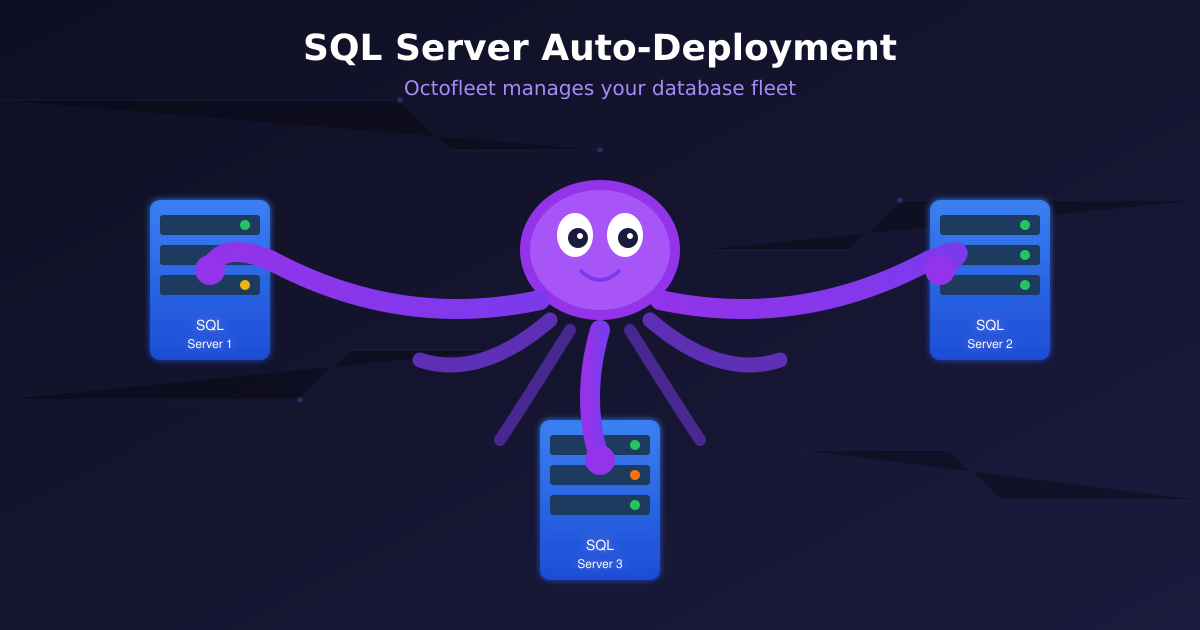
Let me be clear upfront: there are already excellent tools for SQL Server deployment. SCCM, Ansible, dbatools, SQL Server’s own Configuration Manager — these are battle-tested, enterprise-proven solutions that have been doing this job for years.
So why build SQL Server deployment into Octofleet?
Because it’s the perfect use case to demonstrate what an endpoint management platform can do — and it’s just the beginning of what I’m planning for SQL Server support.
Why SQL Server as a Use Case?
When I started building Octofleet, I needed real-world scenarios to test the job system, the reconciliation engine, and the agent’s ability to handle complex multi-step tasks. SQL Server deployment turned out to be ideal:
- Multi-step workflows: Disk preparation → Installation → Configuration
- State management: Track what’s installed, what’s pending, what failed
- Real consequences: Get it wrong and you have performance issues for weeks
It forced me to build Octofleet’s core systems properly. And now that it works, it’s actually useful.
What It Does Today
The current implementation handles the basics:
- Assign a SQL Server edition to a node in the dashboard
- Automatic disk preparation — detects unconfigured disks, formats with 64KB allocation units, creates proper folder structure
- Silent installation with sensible defaults
Nothing revolutionary. But it’s integrated into the same platform that handles your inventory, vulnerability scanning, and fleet monitoring. One dashboard, one agent, one less tool to manage.
Where This Is Going
Here’s where it gets interesting. SQL Server is just the first database workload I’m adding to Octofleet. The roadmap includes:
Near-term (Q1 2026)
- AlwaysOn Availability Groups: Automated cluster setup and failover configuration
- Multi-Instance Support: Different editions on the same box
- Configuration Templates: Save and reuse your preferred settings
- Backup Integration: Automated backup schedules right after install
Mid-term (Q2-Q3 2026)
- Performance Monitoring: Wait stats, query plans, index analysis — all in the Octofleet dashboard
- Maintenance Automation: Index rebuilds, statistics updates, integrity checks
- AlwaysOn Health Monitoring: AG synchronization status, failover alerts
- Cross-Instance Queries: Run the same diagnostic across your entire SQL fleet
Long-term Vision
- PostgreSQL & MySQL Support: Same workflow, different engines
- Database Migration Tooling: Move workloads between instances
- Capacity Planning: Predict when you’ll need more resources
The goal isn’t to replace specialized DBA tools — it’s to bring database operations into the same unified platform you’re already using for endpoint management.
The Technical Bits
For those curious about how it works under the hood:
Assignment Created
      ↓
MSSQL Reconciler detects new assignment
      ↓
Creates "Disk Prep" job → Agent runs PowerShell script
      ↓
Creates "Install SQL Server" job → Agent downloads & installs
      ↓
Node reports installed instance back to inventory
Each step is fully logged, can be monitored in real-time, and failures trigger automatic retries with exponential backoff. The reconciler runs every 60 seconds, comparing desired state (assignments) with actual state (inventory).
Try It Yourself
Octofleet is open source. If you want to play with the SQL Server features — or contribute to making them better:
git clone https://github.com/BenediktSchackenberg/octofleet.git
cd octofleet
docker compose up -d
The Windows agent auto-updates itself from GitHub Releases, so you’re always on the latest version.
Bottom line: SQL Server deployment in Octofleet isn’t meant to compete with dedicated tools. It’s a starting point — a foundation for bringing database management into a unified endpoint platform.
The tentacles are just getting started. 🐙